 ADDON NOTE
Original add-on
Oak Chest UI
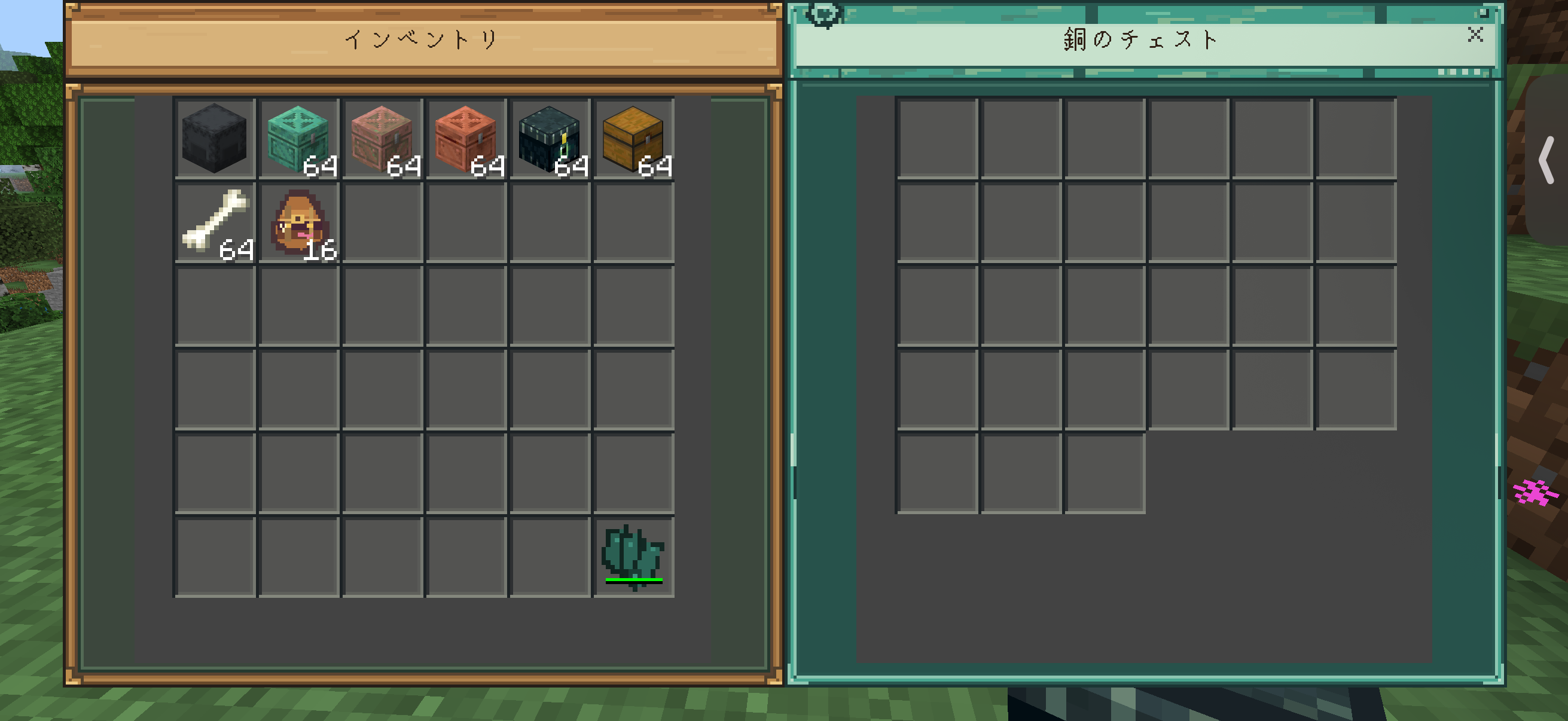
Open a copper chest or a dyed shulker box and see its colour carry into the storage screen. Compare the textures in our gameplay photos.
Download file
In-game language in v1.1.0. The resource pack includes an English swatch name and prompts. The published screenshots use the Japanese Pocket UI.
You may play with friends and share gameplay. Credit Addon Note and link to the article. Do not re-upload, sell or bundle the pack or a modified version without permission.
Oak_Chest_UI_v1.1.0.mcaddon
Install in your world
Open the saved file with Minecraft on your phone. Activate both packs. Keep the colour swatch in your inventory when opening copper chests or shulker boxes.
Verification for v1.1.0. Five gameplay photos show the Pocket UI. PS5 appearance is unverified for this release.