 ADDON NOTE
Storage screens
Oak Chest UI
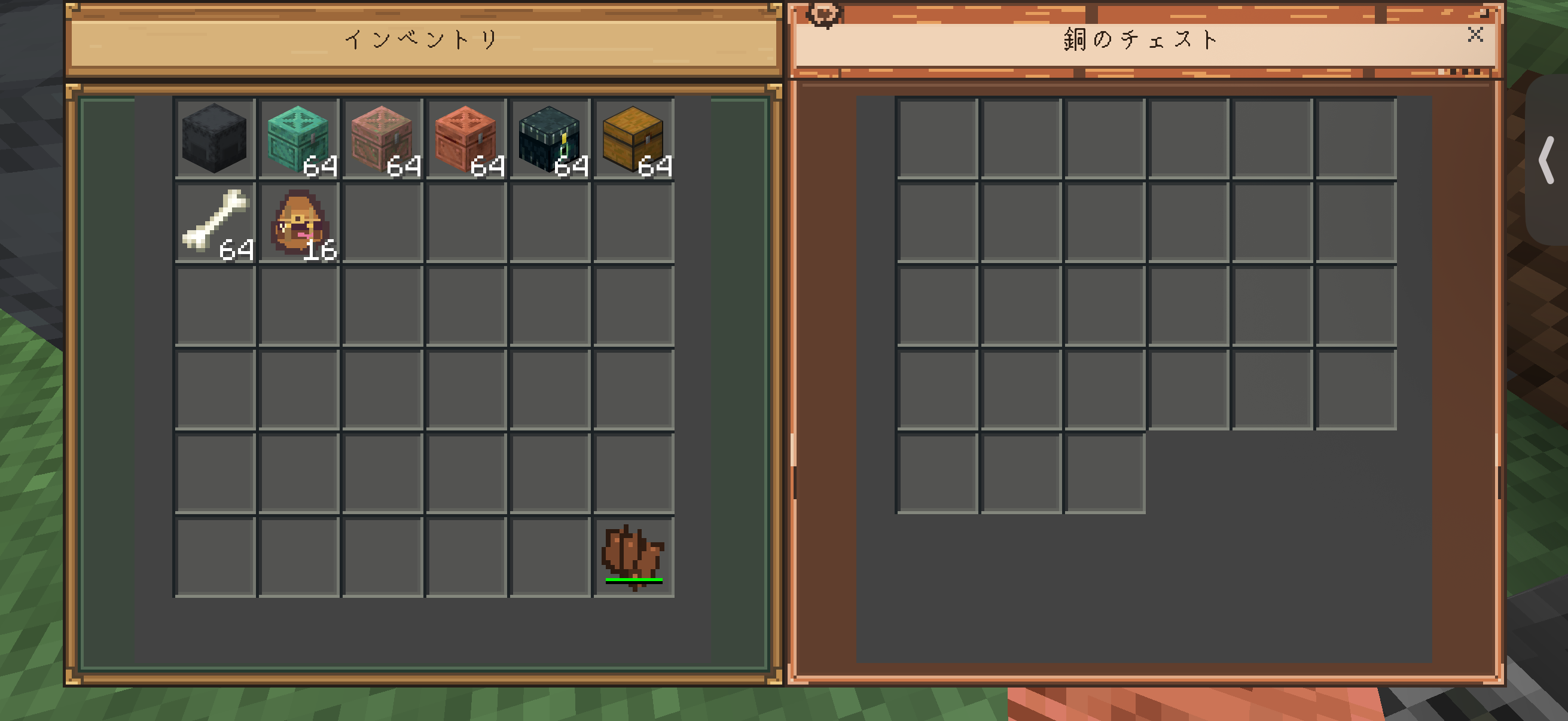
Open a copper chest or a dyed shulker box and see its colour carry into the storage screen. Compare the textures in our gameplay photos.
Download v1.1.0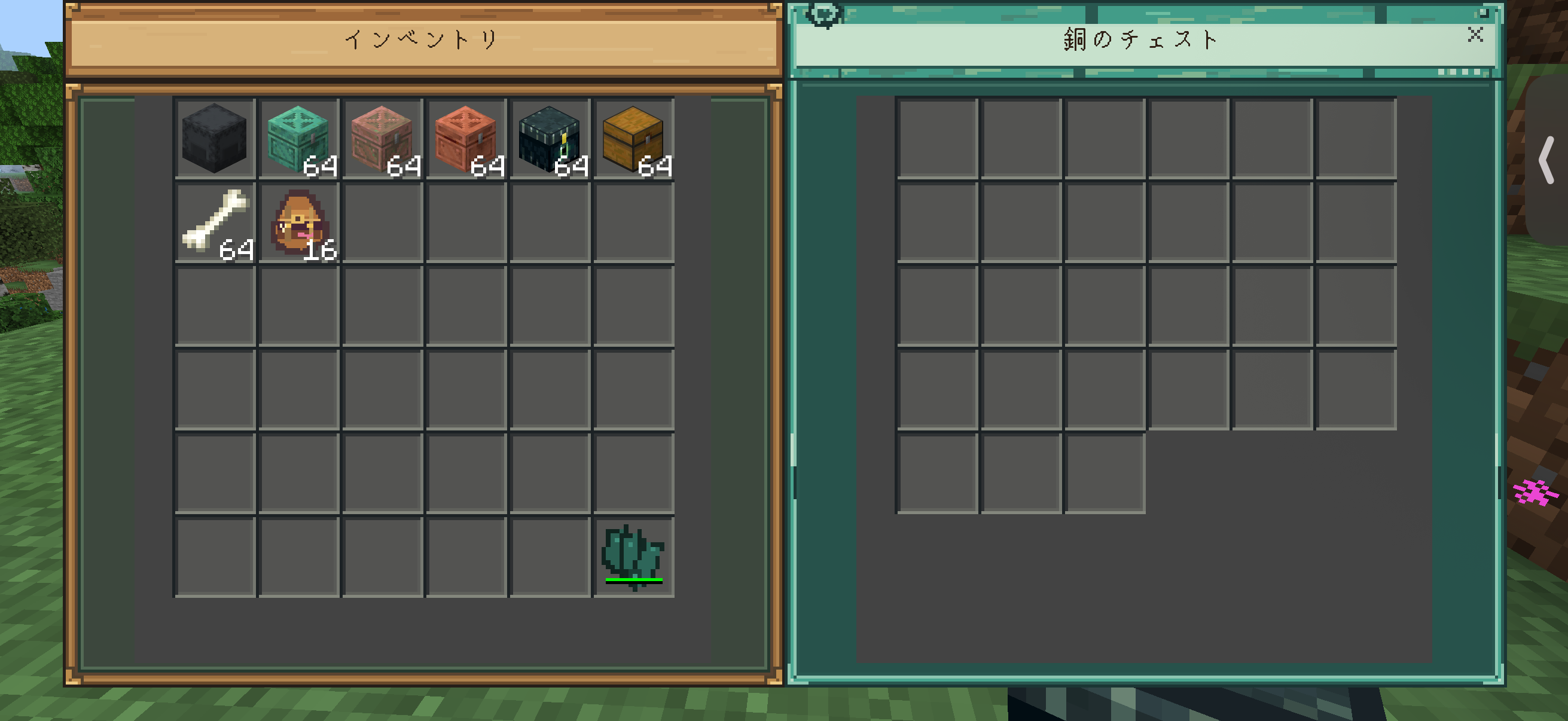
Start with the colour swatch
- Import the add-on and enable both its resource pack and behavior pack in your world.
- Leave one inventory slot free, then open a copper chest or a shulker box to receive the swatch.
- Keep the swatch in your inventory or hotbar and open a different box. If you lose it, craft another with one paper and one stick in any arrangement.
Try the same chest in two colours
A fresh copper chest has a warm lining. An oxidized chest has a deep green one. The four oxidation stages have distinct interiors. Waxing the chest lets you keep the stage you like.
All 16 dyed shulker colours and the undyed box have matching frames. Look for the little eyes above the inventory. Ordinary chests, barrels and Ender Chests also have their own look.
Which screen was photographed?
The screenshots show the Pocket UI. They document the ordinary and Ender chests, fresh and oxidized copper, and a grey shulker box. The PS5 layout has yet to be verified for this release.
Before you download
In-game language in v1.1.0. The resource pack includes an English swatch name and prompts. The published screenshots use the Japanese Pocket UI.
Verification for v1.1.0. Five gameplay photos show the Pocket UI. PS5 appearance is unverified for this release.
You may play with friends and share gameplay. Credit Addon Note and link to the article. Do not re-upload, sell or bundle the pack or a modified version without permission.
Download v1.1.0