 ADDON NOTE
PS5 setup
Play a mobile add-on world on PS5 with Realms
Prepare an add-on world on a phone, upload it to a Bedrock Realm and join the same world from a PlayStation 5.
What you need
Use Minecraft Bedrock Edition on a phone and on PS5. The Realm owner needs an active Bedrock Realms subscription. Invited players can join the owner’s Realm. Online multiplayer on PS5 also requires PlayStation Plus.
Sign in with a Microsoft account that owns the Realm or has an invitation. A free add-on is a separate download from these services.
Start on the phone
- Import the required packs, activate them in a copy of your world and try an actual feature there.
- Open the target Realm’s world slots as its owner. Use an empty slot, or download a backup of the existing Realm world before replacing it.
- Upload the tested world and make its slot active. Join from the phone and try the same feature again.
Join from PS5
- Open Minecraft on the PS5 and choose the same Realm from Play. Accept the world’s resource pack download if prompted.
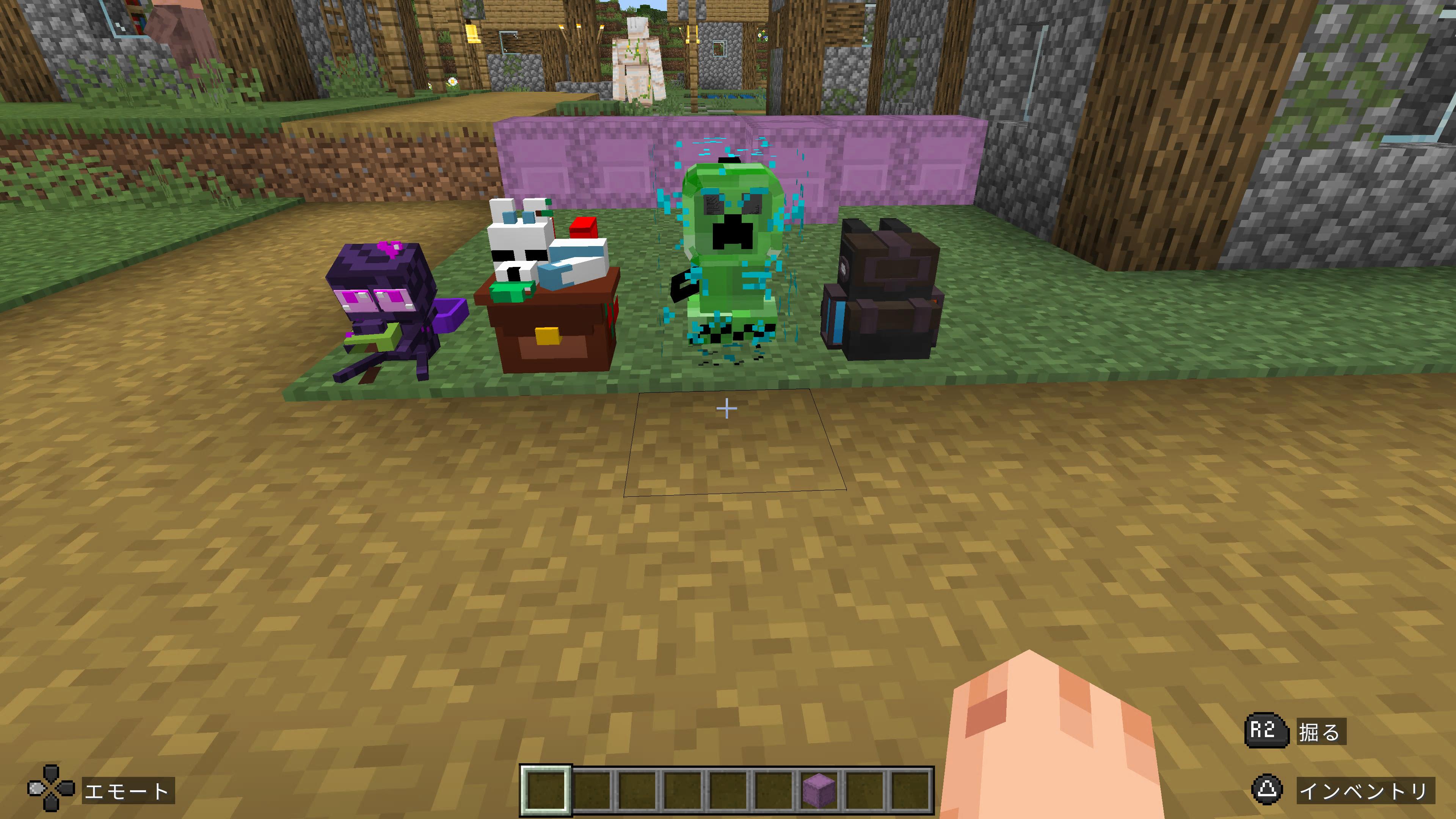
- Try the same action with the controller. Our published example shows OTG Backpack on PS5 after being prepared on an iPhone 17 Pro. Check the notes for the exact add-on and version you want to use.
- If you are the owner and want a local save, download a copy of the Realm world on PS5. Later changes to the local copy and the Realm progress independently.